

Google has started rolling out its November Pixel Drop, and Pixel Watch owners are getting one of the biggest software upgrades of the year. The Pixel Watch November 2026 update brings step-by-step workout guidance to the wrist, previews automatic phone unlocking, and adds a wave of Gemini-powered features that make the watch feel less like a fitness tracker and more like a personal coach.
The rollout began on November 10, 2026, and is reaching supported watches in stages over the coming weeks, so not every owner will see every feature on the same day. The headline feature is available now, while phone unlocking and several of the AI extras arrive in the weeks ahead. Here is everything in the update, which watches get it, and what it means if you still own an older Pixel Watch.
Step-by-step workouts: a personal trainer on your wrist
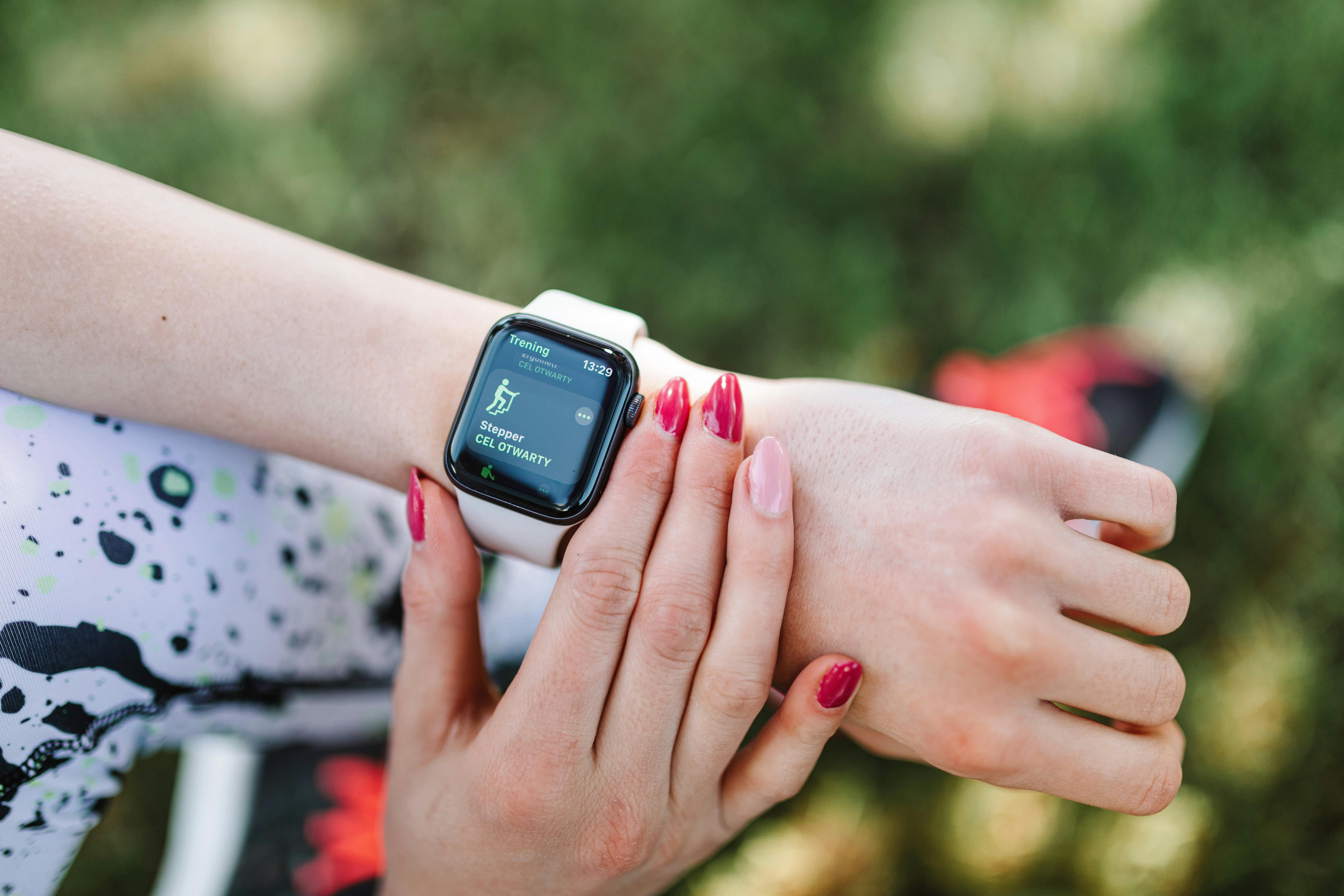
The headline feature turns the Pixel Watch into a workout coach. Instead of simply recording a session after the fact, the watch now walks you through it exercise by exercise. The screen shows the current move, the target reps or time, and a preview of what comes next, so you can follow a full routine without reaching for your phone between sets.
There are two ways to build a workout: follow a routine created by the Google Health Coach, Google’s AI-powered personal training assistant, or build a custom workout in the Google Health app from a library of more than 1,000 exercises. Either way, the plan syncs to the watch, and the guidance appears on your wrist when you start training.
The most practical addition is on-wrist logging. During strength training, you can record completed repetitions and adjust the weight for each exercise directly on the watch, without interrupting your session to tap anything into your phone. Live metrics such as heart rate stay visible throughout, and everything syncs back to the Google Health app when the workout ends.
There is one catch. Workouts created with the Google Health Coach require a Google Health Premium subscription, along with the Google Health app and an internet connection. Building a custom routine yourself remains free, so owners who do not want to pay can still use the step-by-step guidance with their own plans.

Your Pixel Watch will soon unlock your phone
The second headline feature is a small convenience that removes a daily friction. In the coming weeks, a Pixel Watch 3, 4 or 5 worn on your wrist will be able to unlock your paired Pixel phone automatically when the phone is opened nearby. Instead of typing a PIN or scanning a fingerprint on the watch, the watch simply confirms that it is you, on your wrist, close to your phone.
The system relies on Ultra Wideband, the short-range radio that measures distance precisely between devices. Both devices need UWB hardware: a Pixel Watch 3, 4 or 5 on the wrist, and a compatible Pixel phone such as the Pixel 8 Pro, Pixel 9 Pro series, Pixel 10 Pro series or Pixel 11 Pro series. It also needs a region where UWB is supported, since the radio is restricted in some countries.
Google has not given an exact date, describing it only as arriving in the next few weeks. Watch for a watch software update and a Google Health app update before it appears.
Gemini summaries and smarter widgets are on the way
Beyond workouts and unlocking, Google is bringing more of its Gemini AI to the wrist. Newer Pixel Watch models will soon get Gemini-powered conversation summaries, which turn long notification threads into short readouts you can scan at a glance. The summaries are rolling out in seven languages, so a busy group chat becomes a two-line brief instead of a wall of messages.
The Pixel Watch 4 and Pixel Watch 5 are also set to receive personalised home screen widgets, including a feature that lets you describe a widget in plain language and have Gemini build it for you. Proactive suggestions are coming too, such as one-tap sharing of your estimated arrival time, along with live Call Screen transcripts from unknown callers.
Not every capability reaches every device at launch, and some of these features are still described as coming soon rather than live today. Expect the full set to be in place by early December.
Which Pixel Watch models get the update, and which do not
The November update draws a clear line through Google’s wearable range. The Pixel Watch 3, Pixel Watch 4 and Pixel Watch 5 get step-by-step workouts now and the rest of the features in the coming weeks. The original Pixel Watch and the Pixel Watch 2 get none of them.
That split is not a surprise. The original Pixel Watch reached the end of its guaranteed software timeline in late 2025, and the Pixel Watch 2 entered its update window last month. Google is now focusing new Wear OS and Google Health features exclusively on the three newest generations. The two oldest watches still track activity, sleep and heart rate, and their apps can still update, but no new system features are coming.
How to get the update on your Pixel Watch
The rollout is staged, so the update may not be waiting for you on day one. To check, open Settings on the watch, go to System and then System updates, and tap to check for a new version. Make sure the watch is on its charger with a decent battery level before the download starts, and keep it near your phone while it installs.
The Google Health app on your phone matters just as much as the watch software. Step-by-step workouts are built and managed there, so update the app from the Play Store before you go looking for the new workout screen. If the feature has not appeared yet, it is most likely still rolling out to your device.
Google is also consolidating the Fitbit app into the Google Health app, with Google Health Premium taking over from Fitbit Premium at the same price. The new Pixel Watch features are designed for that consolidated app, which is why updating it matters.
How the update compares with the competition
At the budget end, Xiaomi has just taken its Watch S5 41mm global, a compact watch with a 3,000-nit display, up to 14 days of battery life and Google Pay. It runs HyperOS rather than Wear OS, so it cannot match the Pixel Watch for apps and AI, but its battery life is in a different league. At the premium end, the OPPO Watch X3 pairs a titanium case with Wear OS 6 and Gemini AI, but it lasts around five days and is not officially sold in the United States.
Google’s answer is different from both. Instead of chasing battery life or luxury materials, it is making the watch you already own smarter through software. The new Fitbit Air, a $99 screenless band launched alongside this update, shows the same thinking: a small, light device that pairs with the Google Health app and its AI coach.
Should you update, or upgrade?
For owners of a Pixel Watch 3, 4 or 5, the answer is simple: install the update when it arrives. Step-by-step workouts cost nothing beyond a few minutes of setup, and they make the watch genuinely more useful in the gym. The phone unlock feature is a convenience rather than a necessity, but it is the kind of small improvement you notice every day once it is there.
For owners of a Pixel Watch 1 or 2, the decision is harder. The watches still track activity, sleep and heart rate, but they will not get any of these features, and the gap will only widen as Google adds more AI tools to the newer models. If you train with structured workouts, an upgrade to a Pixel Watch 4 or 5 is now easier to justify than it was a month ago.
For first-time buyers, the Pixel Watch 3 is the cheapest way into the new features, and it should see price cuts as the Watch 5 takes the spotlight. The Watch 5 is the safest long-term buy, with the newest hardware and the longest support ahead of it.
What happens next
The rollout continues over the coming weeks, with step-by-step workouts arriving first and phone unlocking, Gemini summaries and the new widgets following behind. Google has not confirmed a date for the full set, but based on earlier Pixel Drops, the complete package should be live by early December.
The bigger story is the direction of travel: Google is turning the Pixel Watch from a tracker that records what you did into a coach that tells you what to do next, and it is doing it through software updates rather than new hardware.
Related reading: our report on the Xiaomi Watch S5 41mm going global with a 3,000-nit display and 14-day battery, and our guide to the best smart home devices for beginners in 2026.
Sources: Google’s official November Pixel Drop announcement on the Google Keyword blog and Wareable’s report on the Pixel Watch features in the update.