
Let us be honest about something. Being a student in 2026 is genuinely different from what it was just three or four years ago. The workload has not gotten smaller. Deadlines have not gotten more forgiving. But the tools available to help you get through it all have transformed completely.
Students today face increasing academic pressure, tight deadlines, and the need to manage multiple tasks at once, and AI tools have transformed how students study, write, and organize their work in 2026.
The best part? You do not need to spend a single dollar. Some of the most powerful AI tools available right now are completely free. Whether you are writing essays, doing research, taking notes, or just trying to stay organized through exam season, there is a free AI tool built exactly for that.
We tested every tool on this list ourselves. No paid recommendations. No filler. Just the ten AI tools that students in the USA, UK, and Canada are actually using right now to study smarter and finish faster.
What Makes a Good AI Tool for Students?

Before jumping into the list, here is what we looked for when choosing these tools:
Actually free: Not a three-day trial pretending to be free. Every tool here has a genuinely usable free tier that requires no credit card.
Solves a real problem: Vague productivity apps did not make the cut. Each tool here does something specific that students actually need.
Works in 2026: We only included tools that are actively maintained, regularly updated, and reliable right now.
Easy to use: You should not need a tutorial to get started. All ten tools here work within minutes of signing up.
Top 10 Best Free AI Tools for Students in 2026
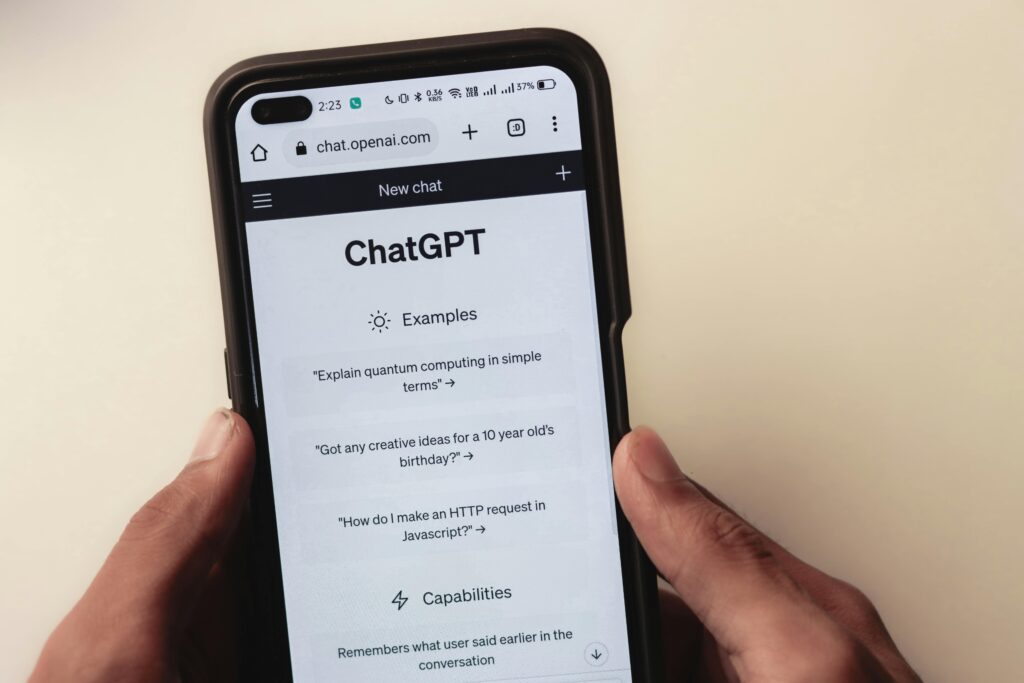
Free Tier: Unlimited GPT-4o mini access plus limited GPT-4o daily
If you are only going to use one AI tool as a student, make it ChatGPT. It handles more student tasks than anything else on this list: essay brainstorming, concept explanations, homework help, code debugging, and study question generation.
ChatGPT is one of the most powerful AI tools for students, helping with writing essays, explaining complex topics, and generating ideas for assignments.
The trick most students miss is learning how to prompt it properly. Instead of typing “explain photosynthesis, ” try “explain photosynthesis to me like I am 16 years old studying for a biology exam and give me three exam-style questions at the end.” The difference in output quality is enormous.
Best for: Essay writing, concept explanations, homework help, brainstorming
2. Google NotebookLM — Best for Studying From Your Own Notes

Free Tier: Up to 100 notebooks, 50 sources each completely free
Google NotebookLM is one of the most powerful free research tools available in 2026. Unlike a standard chatbot, NotebookLM allows you to upload sources such as PDFs, audio files, and websites, and creates a grounded AI expert based solely on that data.
Here is how it works in practice. You upload your lecture slides, textbook chapters, and research papers. Then you ask it questions and it answers using only your uploaded material with citations showing exactly where the answer came from. No hallucinations. No made-up sources.
The Audio Overview feature creates a podcast-style discussion of your notes that you can listen to while commuting, turning dry documentation into an engaging 10-minute audio summary.
This is genuinely one of the most useful free tools in education right now.
Best for: Exam revision, research papers, studying lecture notes
3. Google Gemini — Best Free Student Plan Available

4. Grammarly — Best for Academic Writing
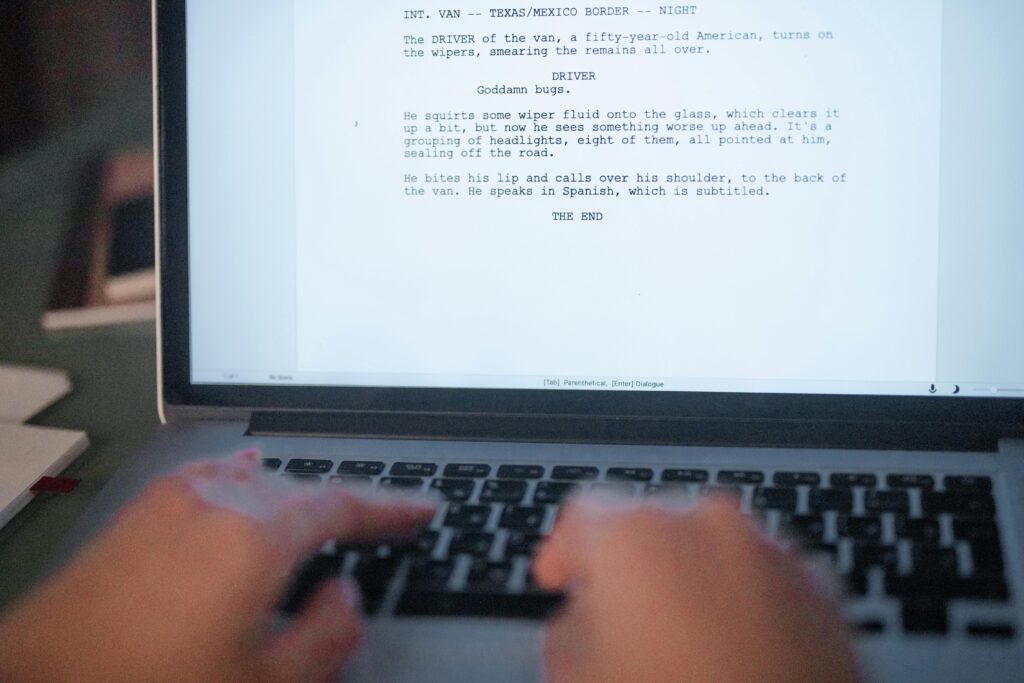
Free Tier: Core grammar and spelling checks always free
Grammarly helps students improve writing by offering grammar checks, punctuation suggestions, and readability enhancements, and the 2026 version now offers academic tone suggestions tailored specifically for essays and research writing.
Every student should have Grammarly installed as a browser extension. It works in the background across every website and text field you type into Google Docs, essay submission portals, emails to professors, everything. The free version catches th
e mistakes that matter most for academic writing.
Best for: Essays, academic submissions, emails, any formal writing
5. Perplexity AI — Best for Research With Real Sources
Free Tier: Unlimited standard searches free forever
Perplexity AI is like Google Search but smarter you ask a question and it gives you a detailed, well-organized answer with real sources and citations you can verify, making it perfect for academic research where you need credible information quickly.
The key advantage of Perplexity over ChatGPT for research is that it always shows you exactly where its information comes from. Every answer comes with clickable source links. For students who need to reference sources in assignments or who want to avoid the risk of academic dishonesty from fabricated citations, this is essential.
Toggle on Academic mode and it prioritizes peer-reviewed sources and academic databases automatically.
Best for: Finding credible sources, fact-checking, research papers
6. QuillBot — Best for Paraphrasing and Rewriting

Free Tier: Up to 125 words per paraphrase free
QuillBot is the tool students reach for when they have written something that sounds clunky and need it to read better. Paste in a sentence or paragraph, choose a writing mode, and it rewrites it while keeping your meaning intact.
QuillBot helps students paraphrase and restructure content while maintaining the original meaning, particularly useful for distilling dense academic source material into easier-to-understand, more manageable content.
The free version is limited to 125 words at a time but that is enough for most student use cases. Use it for cleaning up awkward sentences, rephrasing quoted material, and improving overall readability.
Best for: Paraphrasing, rewriting, improving sentence clarity
7. Otter.ai — Best for Recording Lectures
Free Tier: 300 transcription minutes per month free
Otter.ai records audio from lectures and automatically transcribes it into searchable text. Open it on your phone at the start of class, and by the time you leave the lecture hall, you have a complete searchable text version of everything the professor said.
300 free minutes per month is enough for most full-time students to cover all their weekly lectures. The 2026 version adds AI-written session summaries that automatically highlight the key points from each lecture so you are not just getting a transcript, you are getting organized revision notes automatically.
Best for: Lecture recording, transcription, automatic note summaries
8. Notion AI — Best for Organization and Planning
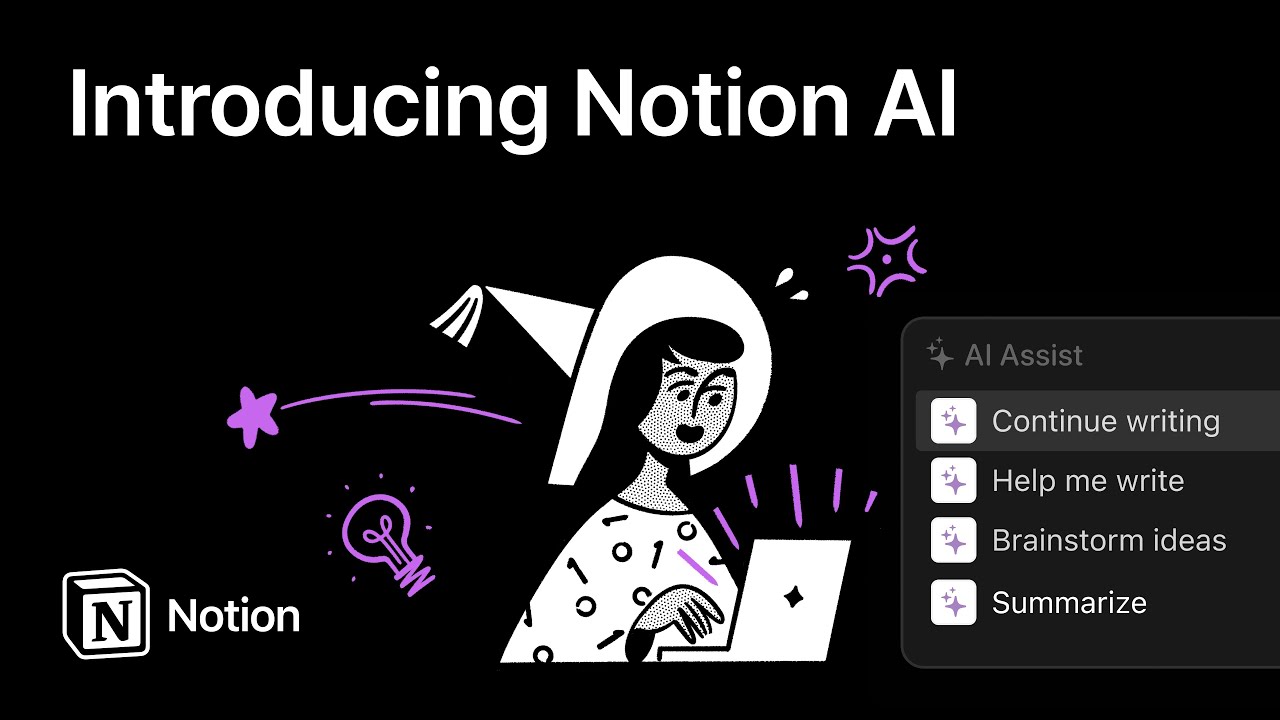
Free Tier: Notion workspace free, AI features included in limited form
Notion AI turns the already-excellent Notion workspace into an intelligent academic organizer. Build a study schedule, track assignment deadlines, organize research notes, and use the AI to summarize long documents or generate study plans automatically.
AI planning tools like Notion create personalized timetables, track academic progress, and break large tasks into manageable steps ideal for organizing deadlines, homework, and revision schedules.
Students who feel overwhelmed by managing multiple subjects, deadlines, and projects find Notion AI particularly valuable for keeping everything structured in one place.
Best for: Study planning, deadline tracking, project organization
9. Claude — Best for Long and Complex Tasks
Free Tier: Generous daily free message allowance
Claude tends to score lower on AI detection than ChatGPT and is considered the strongest AI tool available for coding tasks and extended reasoning in 2026.
Where Claude stands out from ChatGPT for students is in handling longer, more complex tasks. Need to analyze a 5,000 word academic paper? Claude reads and summarizes it cleanly. Working through a complicated coding assignment? Claude explains the logic step by step in a way that helps you actually understand it rather than just copying an answer.
Best for: Long document analysis, complex explanations, coding help
10. Gamma AI — Best for Presentations
Gamma AI allows students to create presentations easily using AI-generated content and layouts saving hours compared to building slides manually in PowerPoint or Google Slides.
Type your topic, choose a style, and Gamma generates a complete presentation with structured slides, relevant content, and a clean design in under two minutes. For group projects, last-minute presentation assignments, and any time you need slides quickly, Gamma is the fastest solution available.
Best for: Creating presentations, group project slides, visual summaries
How to Combine These Tools into a Daily Study Workflow

The real power comes when you stop using these tools in isolation and start combining them:
For Research Papers: Perplexity → find sources → NotebookLM → organize and study → Google Gemini Deep Research → write draft → Grammarly → polish final version
For Lecture Notes: Otter.ai → record lecture → NotebookLM → upload transcript → ChatGPT → generate practice questions → study
For Assignments: ChatGPT → brainstorm ideas → Claude → analyze sources → QuillBot → improve phrasing → Grammarly → final check.
Final Thoughts
Students worldwide are now using AI tools to cut study time by up to 50% — and the good news is that you do not need to spend money since some of the most powerful AI tools available today are completely free for students.
The students getting the most out of AI in 2026 are not the ones using the most expensive tools. They are the ones who have picked two or three free tools, learned them deeply, and built them into a consistent daily study habit.
Start with ChatGPT for general help, NotebookLM for your notes, and Grammarly for your writing. Master those three first. Then add from the list as you identify gaps in your workflow.
Your grades do not have to suffer because your workload is heavy. The tools to handle it are free, they are ready, and they are waiting for you to use them.