
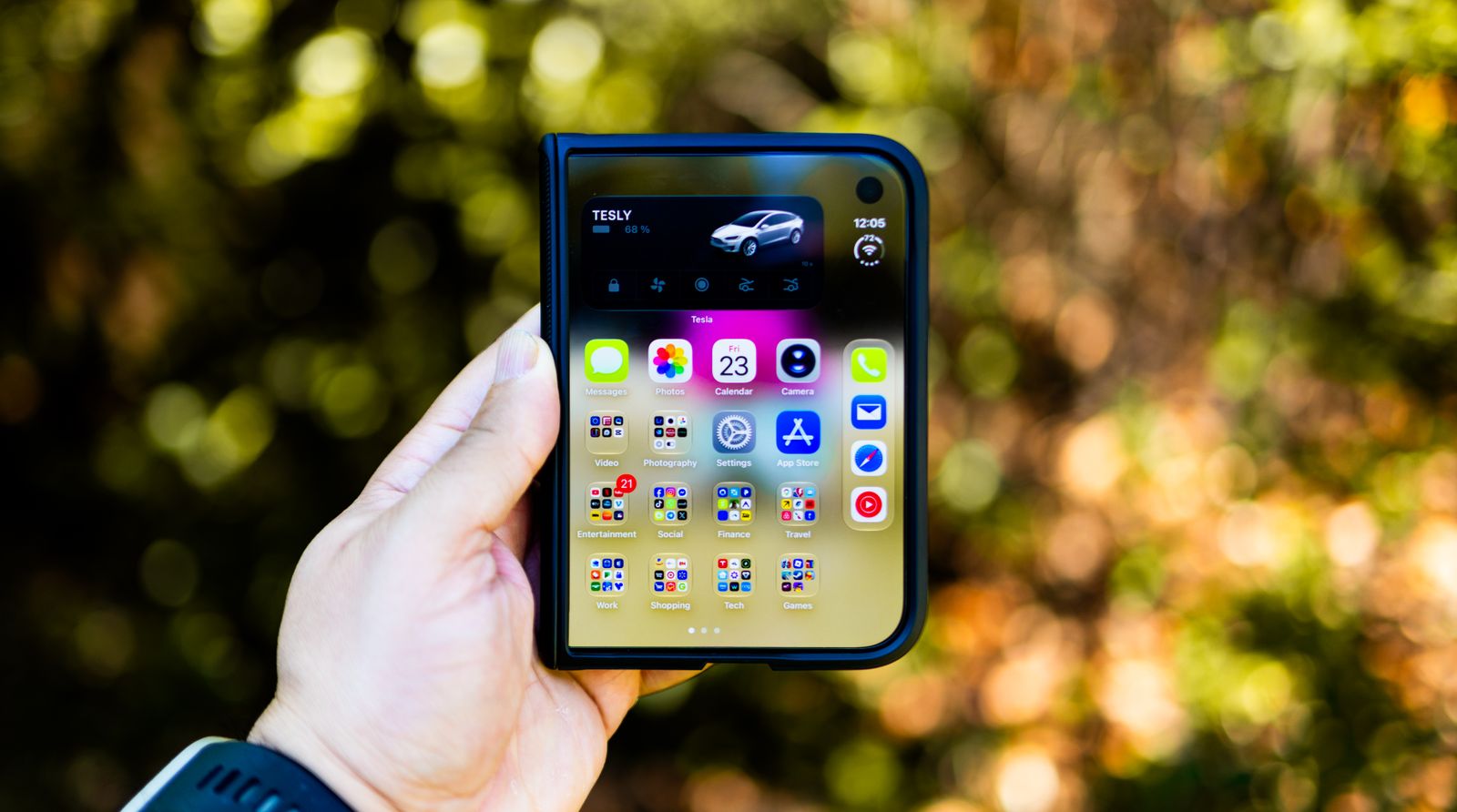
Apple has just fixed one of the most talked-about gaps in its first foldable iPhone. The second developer beta of iOS 27.3, released Monday, November 16, 2026, adds a new way to unlock the iPhone Duo with your face — plus an option that locks the phone when you fold it shut. The feature is called “Unlock with Front Camera”, and it is the closest thing Duo owners have had to Face ID.
It is not Face ID, and Apple is careful not to call it that. But for a $1,999 phone whose owners have spent two months reaching for a fingerprint sensor every time they pick it up, the change matters.
What Apple just added to the iPhone Duo
The headline change in iOS 27.3 beta 2 is a new setting, “Unlock with Front Camera”, in Settings under Touch ID & Passcode. Once switched on, the Duo can recognise its owner’s face and unlock itself from the Lock Screen — as long as the phone is closed.
It uses the 12-megapixel camera above the front screen to recognise the owner’s face — a detail that explains almost every limit that comes with it. The Duo has no TrueDepth camera system, the infrared hardware behind Face ID, so Apple has built this version of face unlock around the ordinary front camera instead.
The second change in the same beta is a new “Close to Lock” option in Settings under Display & Brightness. Until now, closing the phone moved whatever was on the inner display to the outer screen; with Close to Lock on, closing the phone locks it immediately instead. Both features should reach every Duo owner with the finished iOS 27.3 update, expected in December 2026.
How iPhone Duo face unlock works
Setup will feel familiar to anyone who has set up Face ID. After installing iOS 27.3 beta 2, open Settings, go to Touch ID & Passcode, and switch on “Unlock with Front Camera”. The phone then asks you to hold it up, fit your face in the frame, and slowly turn your head left, right, up and down.
Once that is done, pick up the closed Duo, look at the front screen, and the phone unlocks. MacRumors tested it hands-on in the beta and reported that it works fairly well. Apple puts it this way in Settings: “Use the front camera, along with a recent Touch ID or passcode authentication, to quickly unlock iPhone Duo when it’s closed. Face recognition data never leaves your device.”
What it cannot do — the limits that matter
Apple states five limits plainly in the beta.
First, it only unlocks the phone. Apple Pay, saved passwords and unlocking apps still require Touch ID or the passcode — the camera unlock cannot approve a payment, fill in a login, or open a locked app.
Second, it only works when the Duo is closed. Open the phone and unlocking goes back to Touch ID or the passcode, because the feature uses the outer display’s camera, not the inner screen’s.
Third, it needs a recent Touch ID or passcode unlock. About 45 minutes of inactivity switches it off until Touch ID or the passcode is used again.
Fourth, it is not as secure as Face ID or Touch ID. Apple told Gizmodo the new option “does not have the same protections as Face ID or Touch ID”, and the setup screen warns of the same thing. A regular camera cannot measure depth the way Face ID’s infrared sensors can, so it is easier to fool.
Fifth, it is still in beta. Beta software can change before release, and features in a beta can be altered or even removed. Anyone on the public software should wait for the finished iOS 27.3 update rather than installing a test version on the phone they rely on every day. It is a convenience feature, not a replacement for the fingerprint sensor.
Close to Lock: the second new option
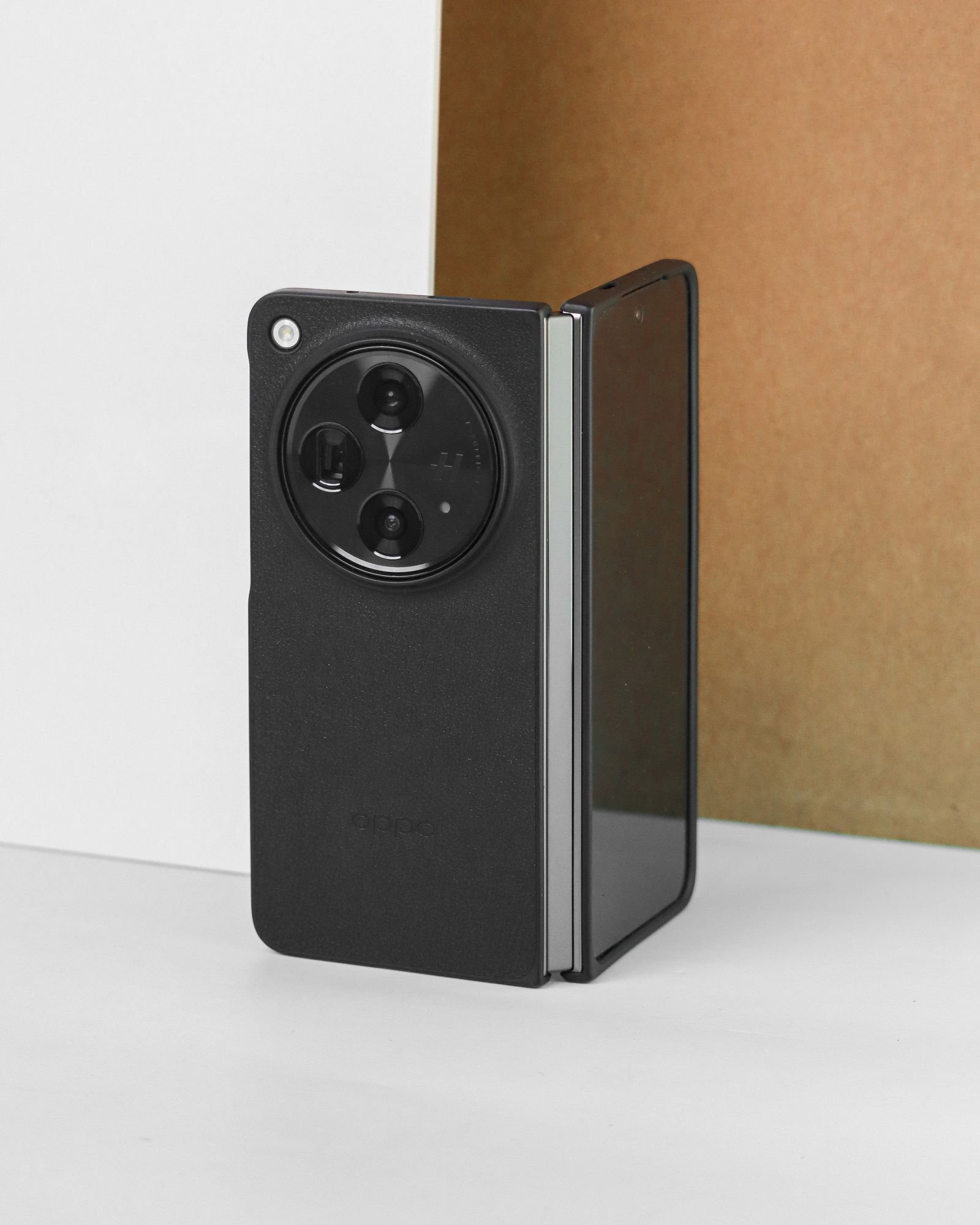
The other change in the beta is smaller, but it solves a real annoyance. Until now, folding the Duo shut moved whatever was on the inner display to the outer screen, ready to carry on. That is useful mid-task, but it also means the phone stays awake and unlocked in a pocket.
The new “Close to Lock” option reverses that. Switch it on and closing the Duo locks it straight away — nothing carries over, and the phone needs Touch ID, the passcode or the new face unlock before it can be used again. Face unlock makes opening a closed Duo quick and hands-free, while Close to Lock makes closing it a definite end to the session.
Why this fixes the Duo’s biggest complaint
To understand why a small software update matters so much, it helps to remember what the iPhone Duo launched without. Apple released its first foldable iPhone in September 2026, alongside the iPhone 18 Pro and iPhone 18 Pro Max, priced from $1,999. It has an IP68 rating, but no Face ID.
Every other modern iPhone unlocks with a glance. The Duo’s folding design leaves no room for the TrueDepth hardware, so it launched with only Touch ID in the side button and the passcode. Owners quickly found reaching for the side button every time was the least convenient part of using it, and the missing Face ID became the most common complaint in reviews — our iPhone Duo review called the unlock experience one of the clearest compromises in an otherwise polished device.
Apple’s answer, two months later, is to get as close as software allows: the convenience of glancing at the phone, without the depth-sensing security of real Face ID. Bloomberg’s Mark Gurman has reported Apple has built prototypes of a second-generation iPhone Duo with Face ID on the front screen — still a rumour, but a sign Apple sees proper facial authentication as the long-term answer.
How to turn on iPhone Duo face unlock
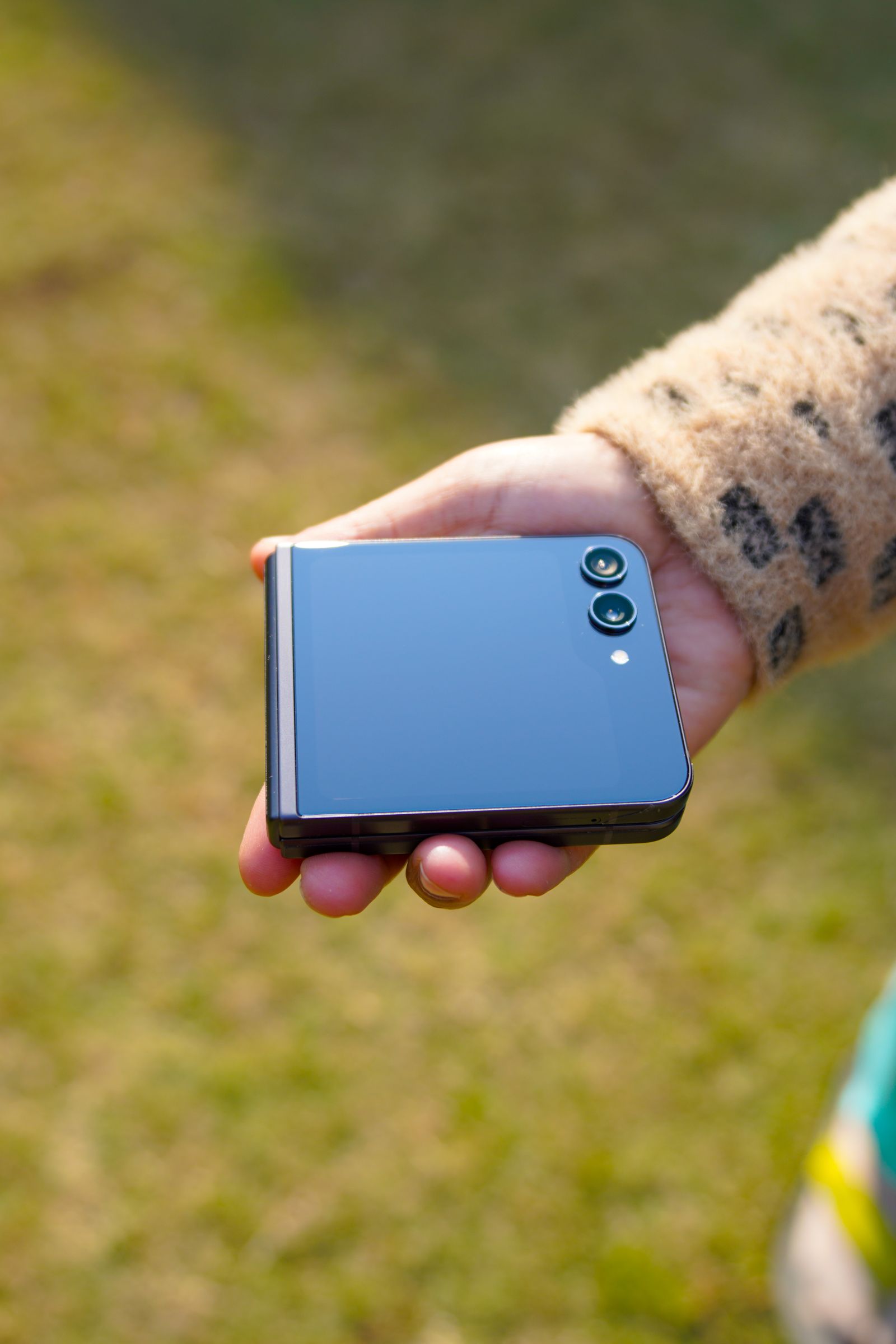
For owners who want to try it now, the steps are short — but the warning matters. The phone needs iOS 27.3 beta 2, a developer beta, with the finished update expected in December 2026. Installing a developer beta on a daily phone is not something to do lightly: test software can be buggy, and some apps may misbehave.
Once the beta is installed, open Settings, go to Touch ID & Passcode, and switch on “Unlock with Front Camera”, following the on-screen steps. Then open Settings, go to Display & Brightness, and switch on the Close to Lock option.
For most owners, the sensible move is to wait. When iOS 27.3 arrives, probably in December, it will appear in Settings under General and then Software Update, with both new options waiting. There is no need to rush a beta onto a $1,999 phone for a feature that will arrive on its own within weeks.
iPhone Duo face unlock vs Face ID on the iPhone 18 Pro
The iPhone 18 Pro shows exactly what the Duo is still missing. The Pro models, launched at the same September event, have full Face ID: an infrared dot projector and camera that build a depth map of the owner’s face, secure enough to approve Apple Pay and unlock banking apps, even in the dark.
The Duo’s new option does none of the secure work. It unlocks the Lock Screen and nothing else, only when the phone is closed, and only for 45 minutes after a Touch ID or passcode unlock — closer to the camera-based face unlock on many Android phones than to Face ID.
That gap is why the feature comes with a warning, and why Apple has not called it Face ID. But it is also why the update is welcome: a Duo owner who picks up the closed phone fifty times a day will now unlock it with a glance most of those times, and reach for Touch ID only when paying or opening something sensitive. The timing fits too. The standard iPhone 18 waits until spring 2027, as we reported earlier, so the Duo and the Pro models are carrying the iPhone line through the holiday season on their own.
What happens next
The next step is the public release of iOS 27.3, expected in December 2026, when every Duo owner will get both features through an ordinary software update. Watch the release notes when it appears, in case Apple has changed anything from the beta.
The question is whether Apple keeps improving the Duo in software, or saves the bigger fixes for the second generation. Either way, iOS 27.3 is the clearest sign yet that Apple is treating the Duo as a living product rather than a one-off experiment.
For Duo owners, the advice is simple: wait for the December update, switch on “Unlock with Front Camera” and “Close to Lock”, and enjoy the glance-to-unlock convenience — while remembering Touch ID is still the key to everything that matters, from payments to passwords. The face unlock opens the phone. Touch ID still opens everything else.